← All Apps

Microsoft Edge for Business
Make the browser a productivity powerhouse — with M365 integrations, AI features and enterprise controls built directly into Edge.
Book This Session →
Make the browser a productivity powerhouse — with M365 integrations, AI features and enterprise controls built directly into Edge.
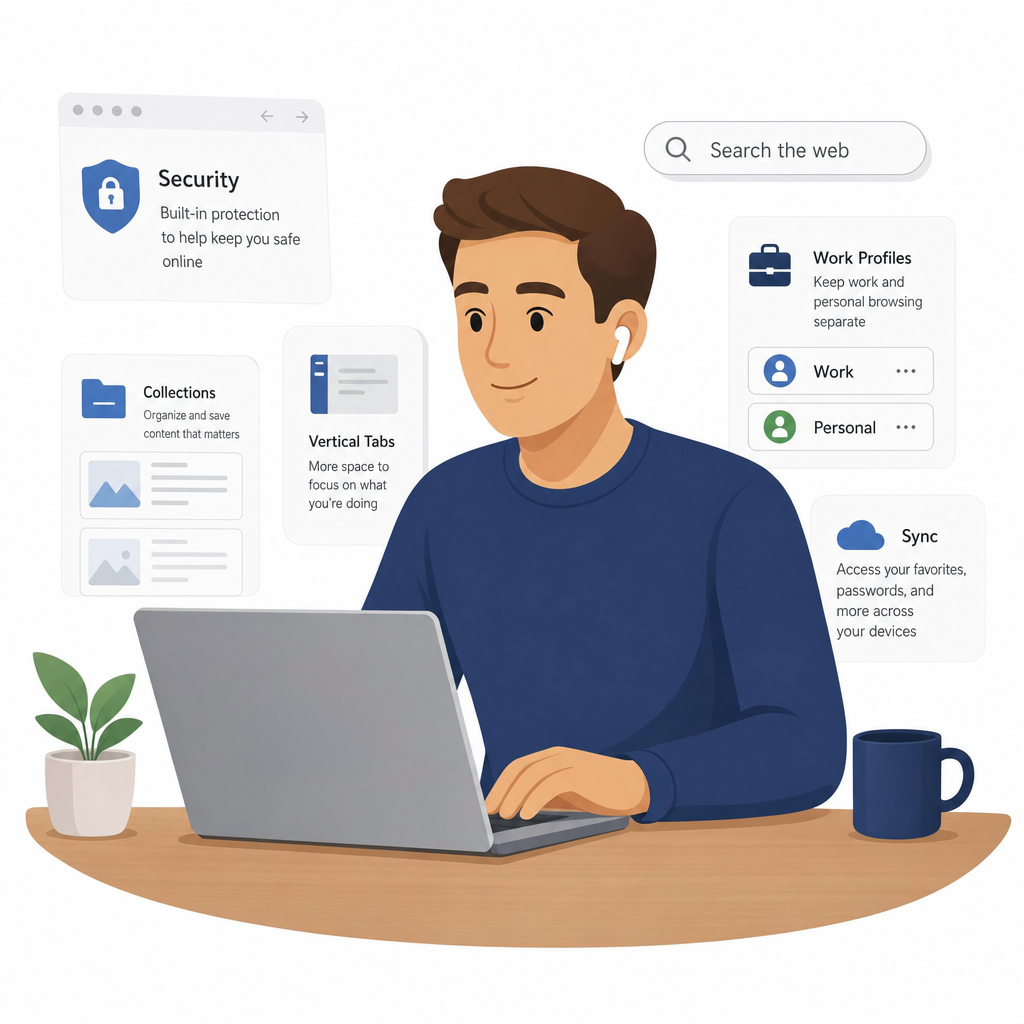
Book This Session →Microsoft Edge for Business is a secure, enterprise-grade browser purpose-built to work with Microsoft 365. It integrates with Entra ID, enforces policies through Intune and surfaces Copilot, Teams, Outlook and SharePoint features natively in the browser — separating work browsing from personal browsing with a dedicated work profile.
It's best used as the everyday browser for any M365-licensed workforce, where speed, security, productivity tooling and AI-assisted research matter. IT, security, compliance and procurement teams benefit from centralised management; end users benefit from faster SharePoint access, integrated Copilot and built-in PDF tooling. Edge solves the common enterprise problem of employees using a patchwork of personal browsers that leak corporate data and miss M365 integrations — replacing it with a single, governable, AI-aware browsing experience.
A focused session designed to build real-world skills fast.
What Microsoft Edge for Business is and why it's the recommended browser for M365 users, with a tour of the interface — address bar, toolbar, tabs and settings. We set up and sign in to the work profile, enable automatic profile switching so work URLs open in the right place, and sync favourites, passwords and history across devices.
Bringing order to tab chaos: pinning, grouping, muting and sleeping inactive tabs, plus vertical tabs for easier side-bar navigation. We organise open tabs by project with colour-coded Tab Groups and use Edge Workspaces to save and share a named set of tabs with colleagues.
Collections for gathering web pages, images and notes for a project and exporting them to Word or Excel, alongside Immersive Reader for distraction-free reading with text preferences, Read Aloud and focus tools. We also annotate, highlight, comment and fill forms with the built-in PDF reader, and capture and mark up screenshots with Web Capture.
The Edge sidebar puts Copilot, Microsoft Search and M365 apps a click away without leaving the page. We use Copilot in Edge to summarise pages, draft content and ask questions about what you're reading, and search from the address bar to find people, files and SharePoint sites across your organisation.
Microsoft Password Manager for saving, autofilling and managing passwords, and IE Mode for opening legacy internal web applications inside Edge. We finish with the built-in protections — tracking prevention and SmartScreen — and what InPrivate browsing does and doesn't protect, and when to use it.