← All Apps

Power Automate
Automate the repetitive work that slows your teams down — build powerful flows connecting M365 apps and external services without writing code.
Book This Session →
Automate the repetitive work that slows your teams down — build powerful flows connecting M365 apps and external services without writing code.
Book This Session →Microsoft Power Automate is M365's low-code automation platform — a workflow tool for connecting apps, automating approvals and replacing repetitive manual work with triggered flows. It talks to hundreds of services (M365, Dynamics, SharePoint, SQL, Salesforce, ServiceNow) and supports both cloud flows and desktop/RPA automation.
It's best used for approval routing, form-to-email workflows, document generation, data moves between systems, and any task that has an obvious pattern and happens at least weekly. Operations, HR, finance, IT, customer service and anyone whose work involves "copy this there, email that, then update a list" benefit most. Power Automate solves the hidden productivity tax of manual, repeatable admin — letting the business automate it themselves without opening a ticket with IT or waiting for a developer.
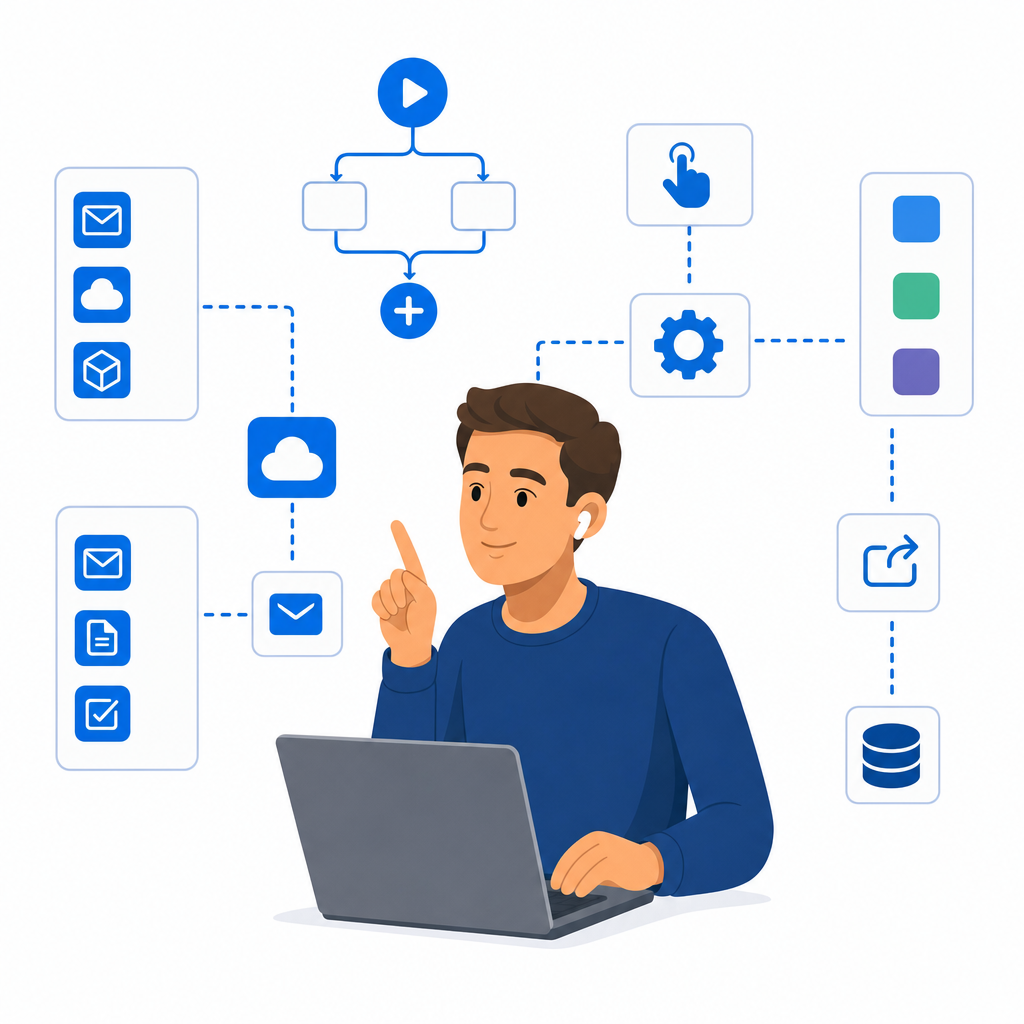
A focused session designed to build real-world skills fast.
What Power Automate is and where it fits in Microsoft 365, plus the three flow types — automated, instant and scheduled — and when to reach for each. We build a clear mental model of triggers as what starts a flow and actions as what a flow actually does.
Getting hands-on quickly by browsing the template gallery before building a flow entirely from scratch. Along the way we use dynamic content to pass data between steps, then test the flow and read its run history to see exactly what happened and why.
Making flows genuinely intelligent with Condition blocks for If/Then/Else branching and Apply to Each for looping through lists of items. We add variables for counters, flags and dynamic messages so a single flow can adapt to whatever data arrives.
Building the workflows teams ask for most: single, sequential and parallel approvals, with responses handled in Teams or the Approvals centre. We close by sharing flows safely — adding co-owners who can edit and run-only users who can simply press go.