← All Apps

SharePoint Intranet
Design an intranet people actually use — with engaging communication sites, intuitive navigation and personalised content that drives adoption.
Book This Session →
Design an intranet people actually use — with engaging communication sites, intuitive navigation and personalised content that drives adoption.
Book This Session →SharePoint Intranet is the communication layer of M365 — a platform for building modern intranet sites, hub sites and the Viva Connections employee experience. Pages can be designed without code, personalised per audience, and surfaced inside Teams so employees get a consistent internal web experience wherever they work.
It's best used for company intranets, department hubs, leadership blogs, policy centres, news feeds, onboarding portals and any communication that needs to reach all employees consistently. Internal comms, HR, L&D, leadership and communications teams benefit most. SharePoint Intranet solves the common problem of an outdated, ignored corporate intranet — by giving comms teams a fast, modern, mobile-ready way to publish content that people actually read, and that brings together M365 content the workforce is already engaging with.
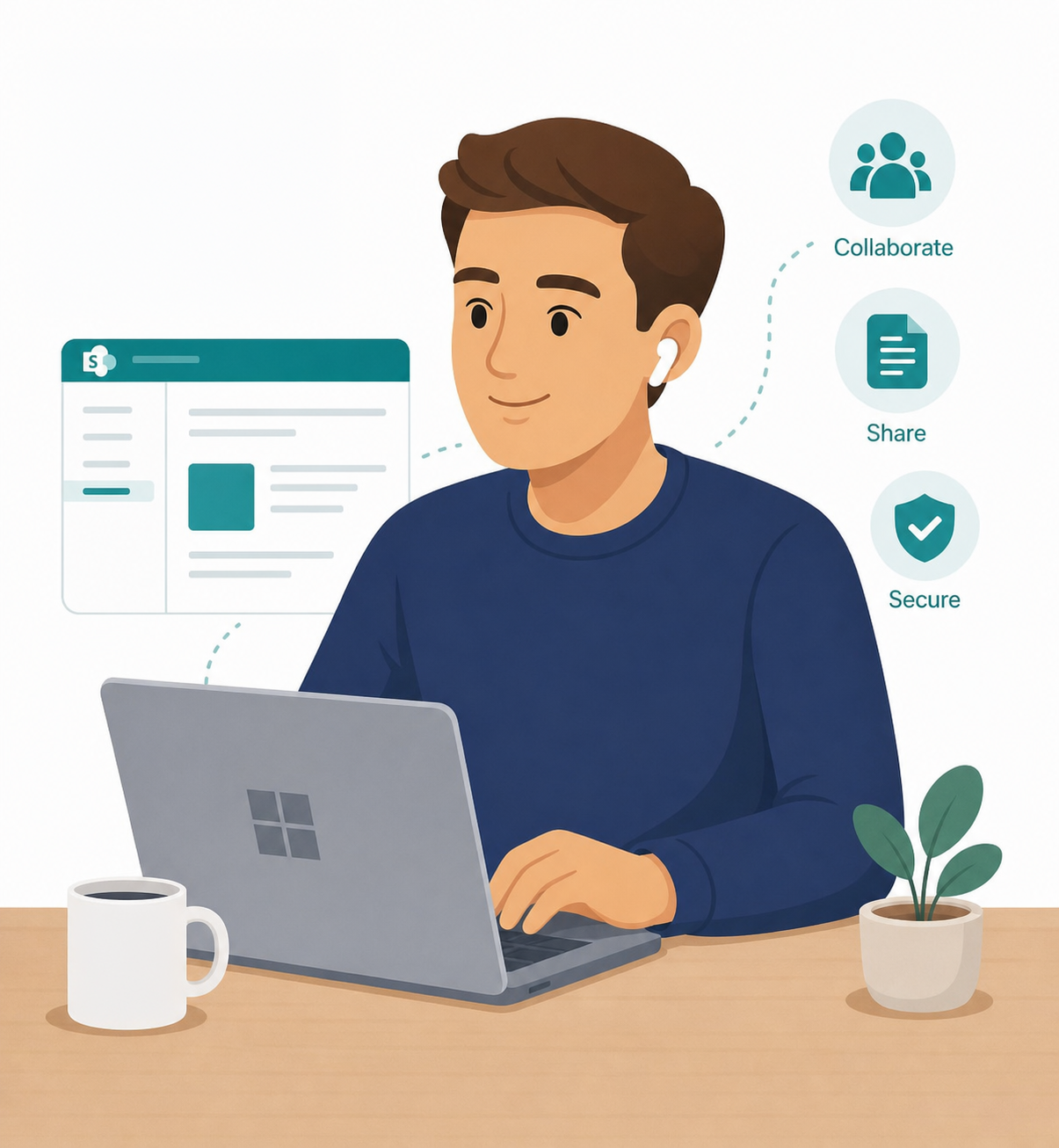
A focused session designed to build real-world skills fast.
What a SharePoint intranet is and the crucial difference between team sites and communication sites. We plan the site properly — audience, top tasks and content structure — then create a communication site and apply your branding with theme, logo and header.
Building and editing pages with sections and layouts, and knowing when to save a draft versus publish. We schedule a page to go live at a future date and save a finished page as a template so future content keeps the same polish.
A tour of the key web parts — Hero, Quick Links, Text, Image, News, Events, People and Highlighted Content — and where each one earns its place. We also embed documents, videos and forms directly on a page so content lives where people read it.
Creating and publishing news posts, then boosting the ones that must not be missed. We shape the site's navigation with the top bar, mega menus and footer, and connect related sites into hub sites for shared navigation and rolled-up content.
Audience targeting to show content only to the people it concerns, and site analytics to understand what is actually being read. We close with permissions — owners, members and visitors — and when it is appropriate to adjust access.