← All Apps
Whiteboard
Facilitate dynamic visual sessions — from brainstorms and retrospectives to design sprints — with teams in the room or across the globe.
Book This Session →
Facilitate dynamic visual sessions — from brainstorms and retrospectives to design sprints — with teams in the room or across the globe.
Book This Session →Microsoft Whiteboard is M365's infinite digital canvas for collaborative thinking — a visual space for brainstorms, retrospectives, workshops, design sprints and live meeting co-creation. It works in Teams meetings, on touch devices and in the browser, with templates, sticky notes, inking, reactions and real-time co-authoring.
It's best used for workshops, brainstorming sessions, retrospectives, design thinking, planning sessions and any meeting where "whiteboard in the room" is part of the pattern. Facilitators, agile teams, product teams, strategy, HR, L&D and design teams benefit most. Whiteboard solves the classic hybrid-working problem of in-person staff gathering around a whiteboard while remote colleagues watch from a tiny camera feed — by giving everyone, everywhere, the same canvas, inputs and visibility.
A focused session designed to build real-world skills fast.
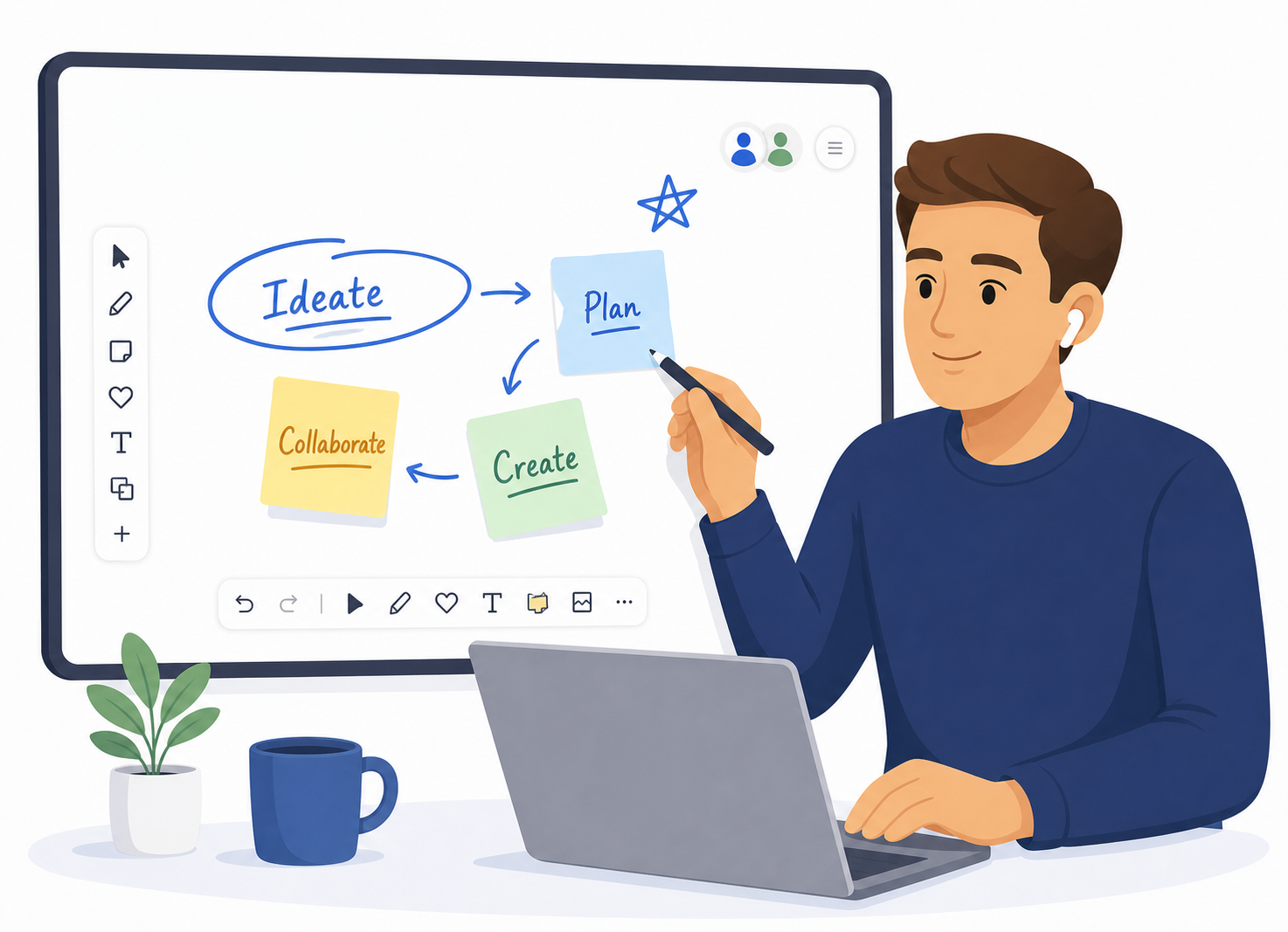
What Microsoft Whiteboard is and when it's the right tool for the job. We tour the interface — canvas, toolbar and object panel — then create a fresh whiteboard and open existing ones so everyone is comfortable moving around the space.
The core building blocks of any board: sticky notes you can add, edit, group and colour-code, and inking tools including pen, highlighter and eraser. We add shapes, text boxes and connectors, then bring in images, documents and links to enrich the canvas.
Getting a head start with built-in templates for brainstorming, retrospectives, kanban boards, journey maps and more. We also save a whiteboard as a custom template and share it with the team, so your best session formats become repeatable.
Facilitating real collaboration: emoji reactions and voting to prioritise ideas, and real-time presence that shows every participant's cursor as they work. We then run Whiteboard inside a Teams meeting, sharing the board and co-editing live with the whole group.
Sharing a whiteboard with the right permissions and access settings, exporting finished boards as PNG or SVG, and knowing where to find your whiteboards afterwards — from Teams and the Whiteboard app alike.