← All Apps
Word
Go far beyond typing — train your teams to produce polished, consistent documents faster using styles, templates, collaboration tools and Copilot.
Book This Session →
Go far beyond typing — train your teams to produce polished, consistent documents faster using styles, templates, collaboration tools and Copilot.
Book This Session →Microsoft Word is M365's document platform — a writing, formatting and collaboration tool that combines decades of professional-publishing depth with modern co-authoring, Editor, Designer and Copilot features. It's far more than a typewriter replacement; it's where most written business output is created, reviewed and signed off.
It's best used for reports, contracts, proposals, policies, templates, bids and any long-form document that needs structure, consistent branding and collaborative review. HR, legal, L&D, marketing, bid teams, consultants and leadership benefit most from disciplined Word practice. Word solves the everyday problem of documents that are inconsistent in look, painful to reformat and slow to review — by combining styles, templates, track changes, co-authoring and Copilot into a faster, cleaner way to produce documents that hold together at scale.
A focused session designed to build real-world skills fast.
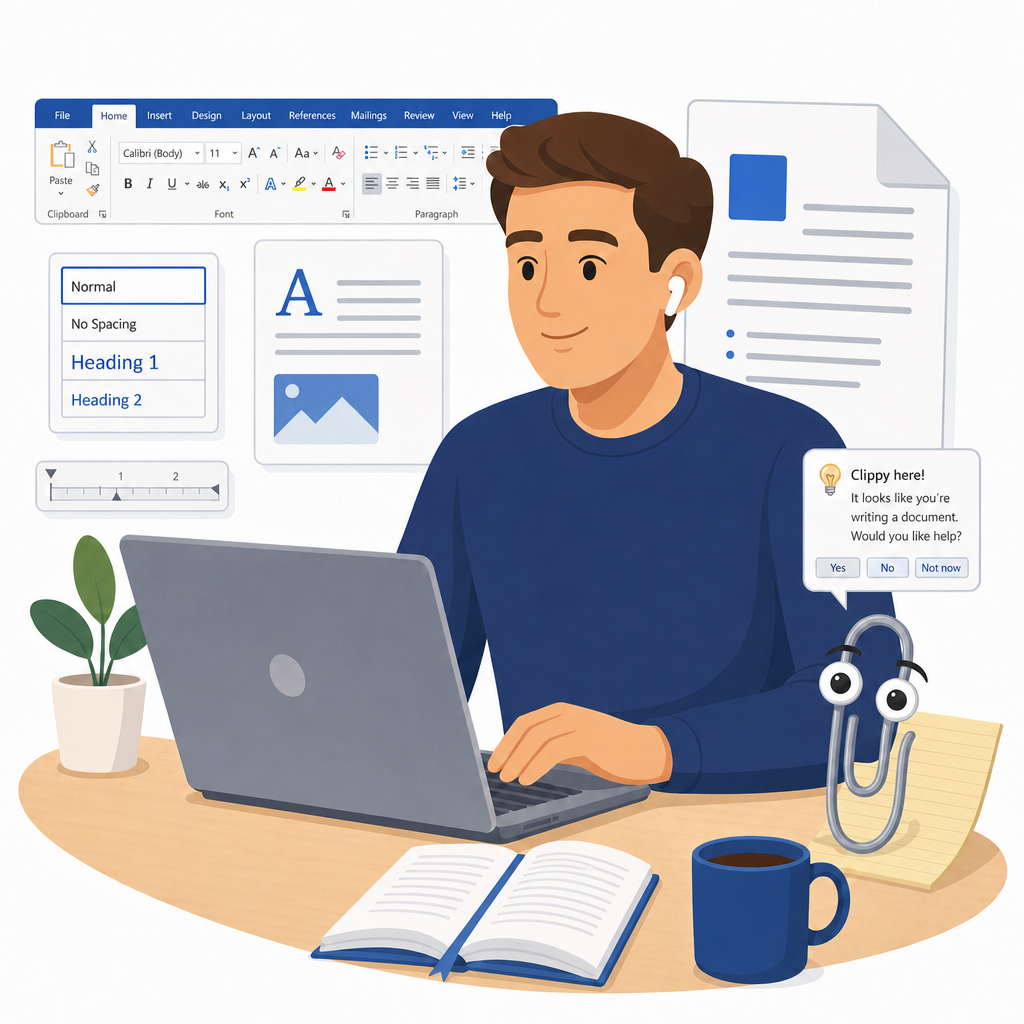
We start by getting comfortable in the Word interface and customising the Quick Access Toolbar so the tools you use most are always to hand. From there we cover creating, saving and exporting documents — including to PDF — and put Find and Replace to work on text, formatting and special characters.
Character and paragraph formatting done properly, then the step-change most people never make: using and modifying styles so every heading and body paragraph stays consistent across the whole document. We finish by applying document themes to change the look of everything in one move.
Taking control of the page itself — margins, orientation, section breaks and columns — along with headers, footers and page numbers that behave. We then bring documents to life with tables you can insert, format and sort, plus well-placed images, shapes and SmartArt.
The tools that make big documents manageable: an automatic Table of Contents that updates itself, plus footnotes, endnotes and cross-references for anything that needs citing. We also build reusable content with templates, Quick Parts and Building Blocks, and run a mail merge for letters, labels and email.
Reviewing like a professional with Track Changes and Comments, then comparing and combining versions when feedback arrives from several directions. We wrap up with co-authoring and version history in OneDrive and SharePoint, protecting documents by restricting editing, and running the Accessibility Checker before anything ships.